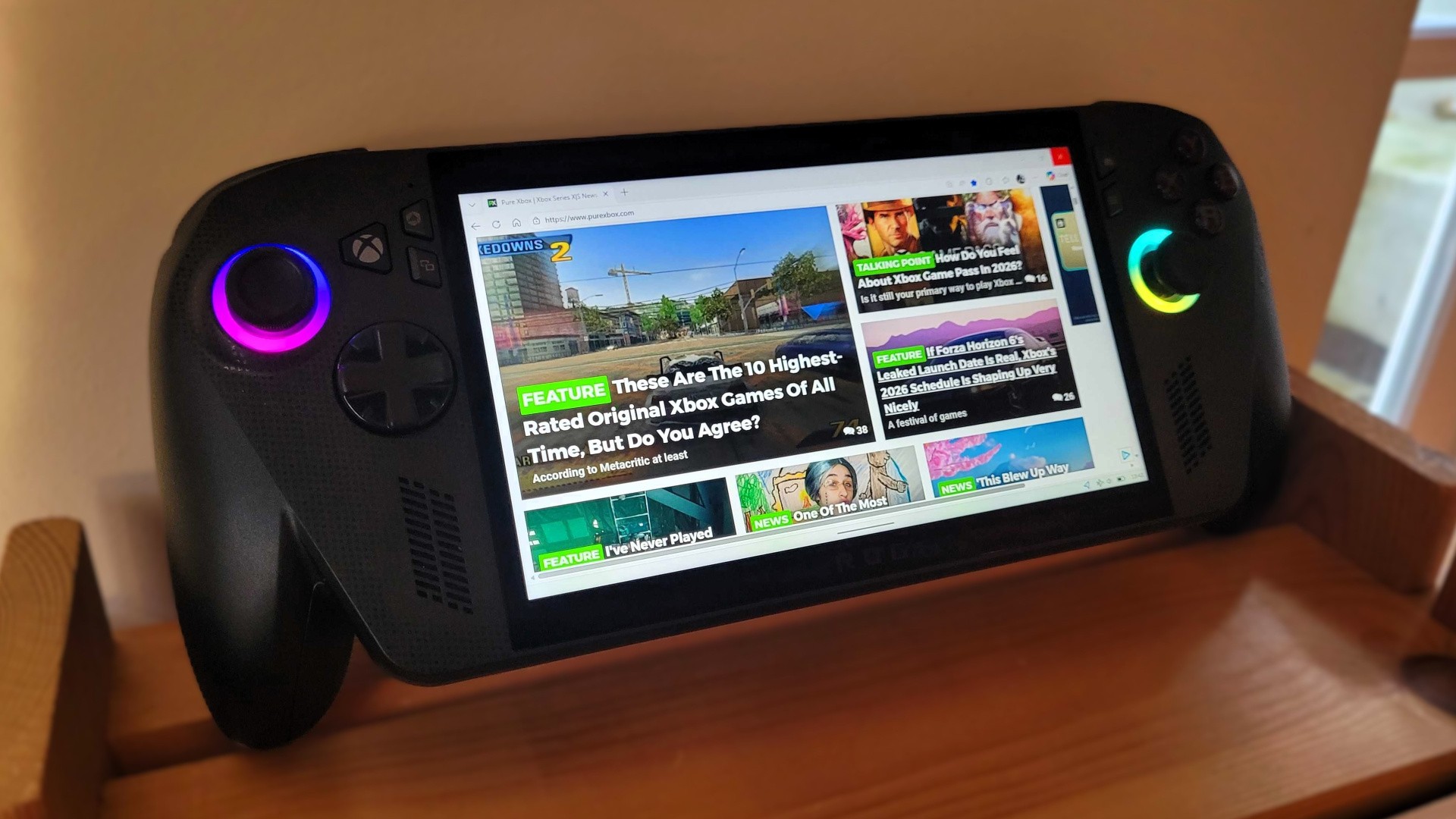
So, here we are three months later! I've still been using my ROG Xbox Ally X a lot over the holiday period, but the exact circumstances have changed a little bit. Yes, my Xbox Series X is getting a bit more usage now, and no, I'm not playing quite as many games on the Ally as I was before — but the biggest difference is that I'm now using the Xbox Ally X as my main PC. The article you're reading right now has been written on the ROG Xbox Ally X.
With that in mind, as someone who's using this handheld for eight hours per-day at times, I thought I'd pick out five things I've learned about the system since publishing the most recent review after month one.
1. The Docking Experience Is Good, And It'll Only Get Better
The main reason I'm using the ROG Xbox Ally X as my work PC is because of the good folks at JSAUX, who recently sent us their JSAUX 6-in-1 Multifunctional Docking Station for review. I'm planning to discuss this in more depth in the near future, but in the meantime I can confirm that I'm having a great experience with it so far.
It's really simple — you plug the ROG Xbox Ally's charger into the wall and connect it to the dock, and then add in anything else you need, such as an ethernet cable, USB keyboard and mouse , and the all-important HDMI cable for your display. The Ally should then immediately appear on your monitor / TV, and you can turn off the ROG Xbox Ally's screen in Windows 11's settings (pressing the Windows button on your keyboard will immediately take you to the Windows desktop on your Ally).
There are a few teething issues you might run into, such as your display wanting to output at 4K rather than the more preferable 1080p, and the Xbox Ally's in-box charger not being powerful enough to charge via a dock in Turbo mode (I just keep it on Performance), but otherwise it just works like a standard PC. This thing is easily outperforming my aging 2019 gaming PC in every way right now, even just for basic work tasks and having lots of windows open at once in Microsoft Edge, and it'll only get better — Microsoft has teased "enhancements" to the docking experience coming this year.
Please note that some external links on this page are affiliate links, which means if you click them and make a purchase we may receive a small percentage of the sale. Please read our FTC Disclosure for more information.
2. Playing Offline Is A Good Way To Deal With Choice Paralysis
I mentioned in my one-month review of the ROG Xbox Ally how having access to so many games felt "so freeing" compared to the Xbox Series X and S, with the likes of Steam and the Epic Games Store offering many more possibilities.
"Having access to Steam is so freeing on a system that calls itself an "Xbox", and it opens up a world of new possibilities that I really hope we'll see on the next Xbox console as well."
I still feel that way for sure, and I've been enjoying games on Steam and even some classic PS1 and PS2 titles (that I already own) via emulation over the past couple of months, but I will say that choice paralysis has also crept in at times.
One of the ways I've dealt with this is to simply keep my ROG Xbox Ally offline as much as possible. That might sound a bit contradictory in terms of the device's capabilities, but I've found that when I'm online, I'm constantly browsing the likes of the Steam store trying to find the best deals instead of actually playing my games.
When you go offline on the Xbox Ally, the Xbox app basically just turns into a lightweight Switch-style dashboard. Almost all of the functionality gets stripped away immediately, and you're left with just your list of installed games and nothing else you can really do.
There are definitely times when you're going to need to activate the internet for things like save syncing and first-time startups for certain games (Xbox warns you about a 14-day limit as seen above), but you can do that easily — it's just a quick tap of the Xbox button and navigating to the "Network" section. And of course, you're going to need it for when you're playing online — I'm just talking about turning it off when you want to play single-player games.
Another benefit of this? You get a bit more battery life when the Wi-Fi is deactivated!
3. The Cooling Continues To Be Seriously Impressive
One of the ROG Xbox Ally features I've consistently been most impressed with is the cooling , as this system just never seems to get hot (or loud) unless I'm really pushing it to the limit. As I mentioned before, I'm playing most of my games and doing my eight hours of work on "Performance" mode, which doesn't even squeeze all the juice out of the system — that's what the "Turbo" mode is meant to do.
I do use Turbo on occasion, but it rarely seems necessary. I can get 60FPS out of most games I want to play with good graphics on Performance mode, and the big benefit is that the system runs cool, you can barely hear it at all, and you get more life out of the already-impressive battery .
In terms of working on the device for eight hours per-day, it's probably not that surprising that the Ally handles basic tasks with ease, but it doesn't even get very warm during that time. Seriously, I can dock the Ally for an entire 9-5 period and forget that I'm even using it — that's how quiet and efficient the cooling system is.
I know some people don't care about this stuff, but personally I think it's the sign of a brilliantly-designed handheld!
 by
by