by
by 
With our big ROG Xbox Ally X review going live here at Pure Xbox earlier today, we thought we'd delve a little deeper into the battery life side of things - they only get a passing mention as part of the main review.
During my time with the ROG Xbox Ally X, I've obviously been playing lots of games across various power and graphics settings, and I've generally tried to find a happy medium where they look great, perform great and hopefully don't have to run at max capacity, meaning I can squeeze more life out of the battery where possible.
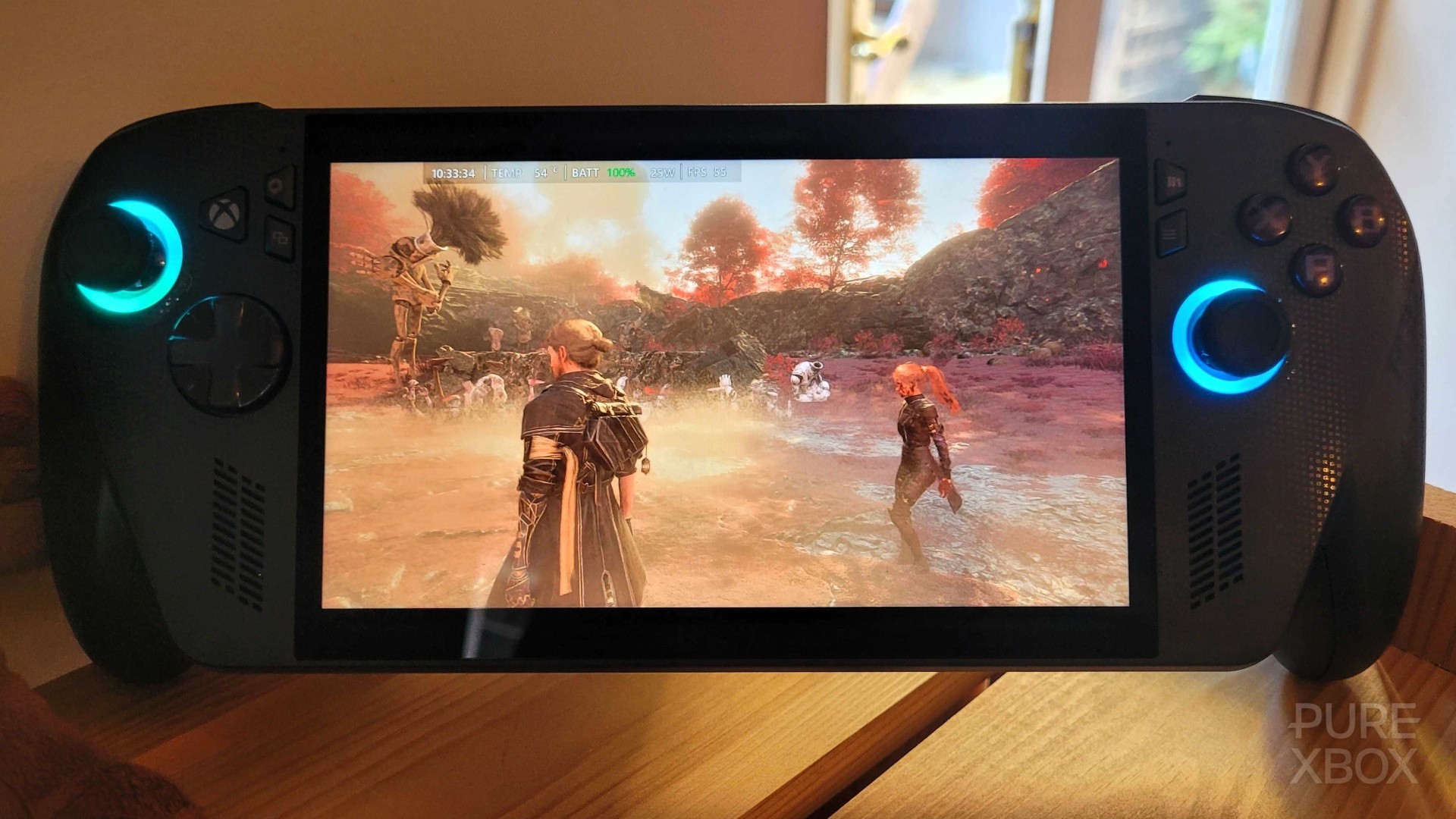
I've also spent a bit of time just working away on Pure Xbox while leaving the Ally X running in the background - something I've done with Clair Obscur: Expedition 33, for example, sitting in the open world environment and letting the battery run out. By doing this, I got the following results:
| Operating Mode | Graphics | FPS | Brightness | AMD FSR | Res | Battery Life |
|---|---|---|---|---|---|---|
| Performance (17w) | Low-Med | 40-60 | 60% | N/A | 1080p | 2 hours 52 mins |
| Turbo (30w) | High | 40-60 | 50% | N/A | 1080p | 2 hours |
As you can see, the FPS fluctuates quite a bit here, but you can easily push it to 60FPS if you want to - just stick the game on Turbo mode with low-medium graphics and potentially a lower resolution.
Personally, I find that the sweet spot is the first scenario - stay on Performance and low-medium settings which looks fine enough, and then drop the resolution to 720p in order to get a super smooth experience. You'll be able to squeeze nearly three hours out of the ROG Xbox Ally X that way, and it still looks good and plays really well.
The following picture was taken on the "Performance" mode at low-medium settings, for example:
Another test I did was with DOOM: The Dark Ages. That game benefits massively from AMD FSR and Frame Generation, which means you can basically double the frame rate. Therefore, the "Performance" mode works really well again here, although obviously you can jump up to "Turbo" if you want to improve the graphics further.
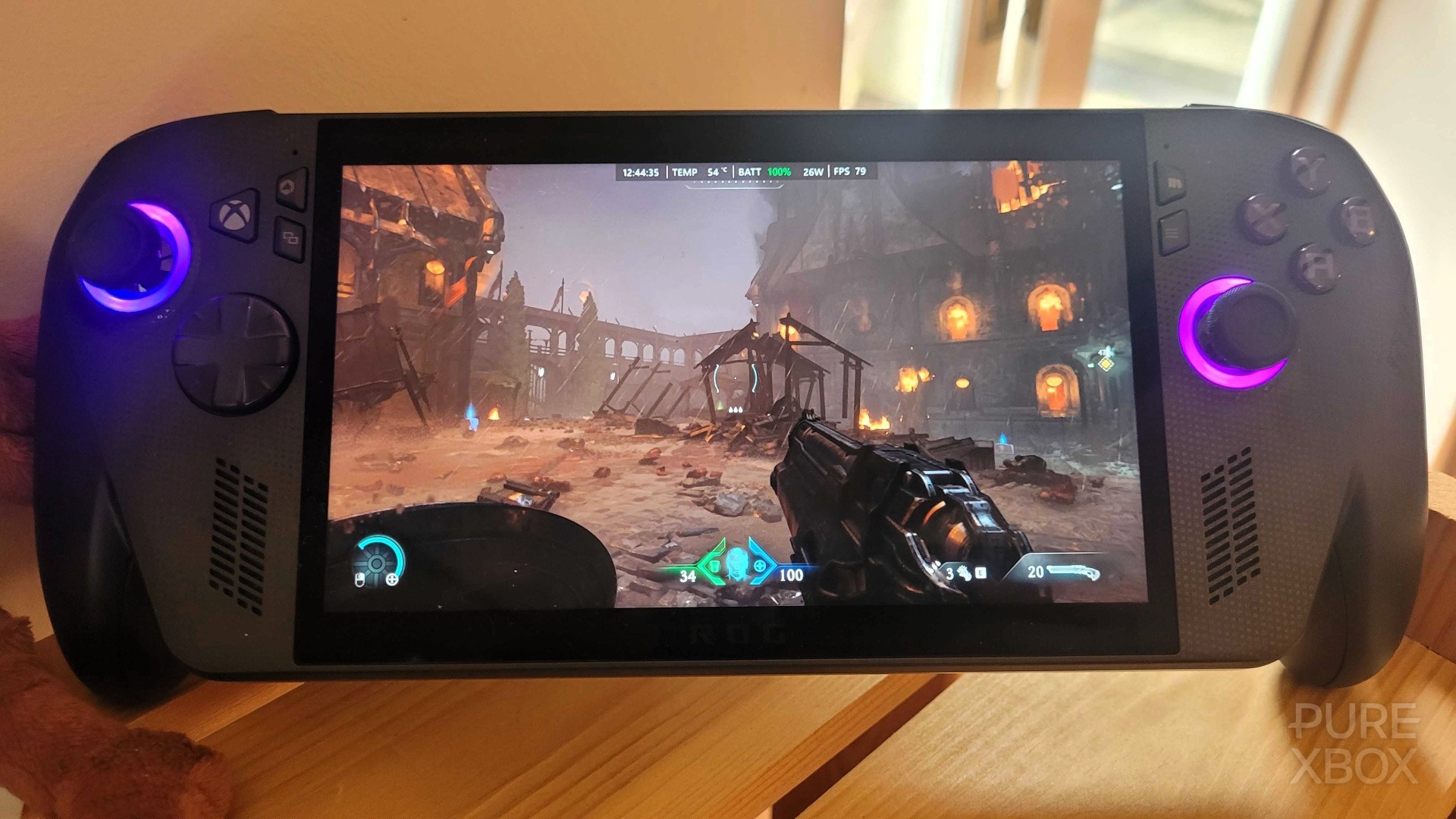
My sweet spot for this game is "Performance" at medium settings and with AMD FSR and Frame Generation turned on. You're looking at around 60FPS when doing this, and I actually wanted to see how dropping the resolution to 720p would fare for this test - it provided readings of about 60-80FPS on average, but the battery life was slightly less compared to Clair Obscur: Expedition 33 for whatever reason.
| Operating Mode | Graphics | FPS | Brightness | AMD FSR | Res | Battery Life |
|---|---|---|---|---|---|---|
| Performance (17w) | Medium | 60-80 | 70% | Yes | 720p | 2 hours 45 mins |
Perhaps the brightness was the culprit here - I did end up pushing it slightly higher to the 70% mark.
The game looks awesome with these settings by the way, as you can see in another photo below:
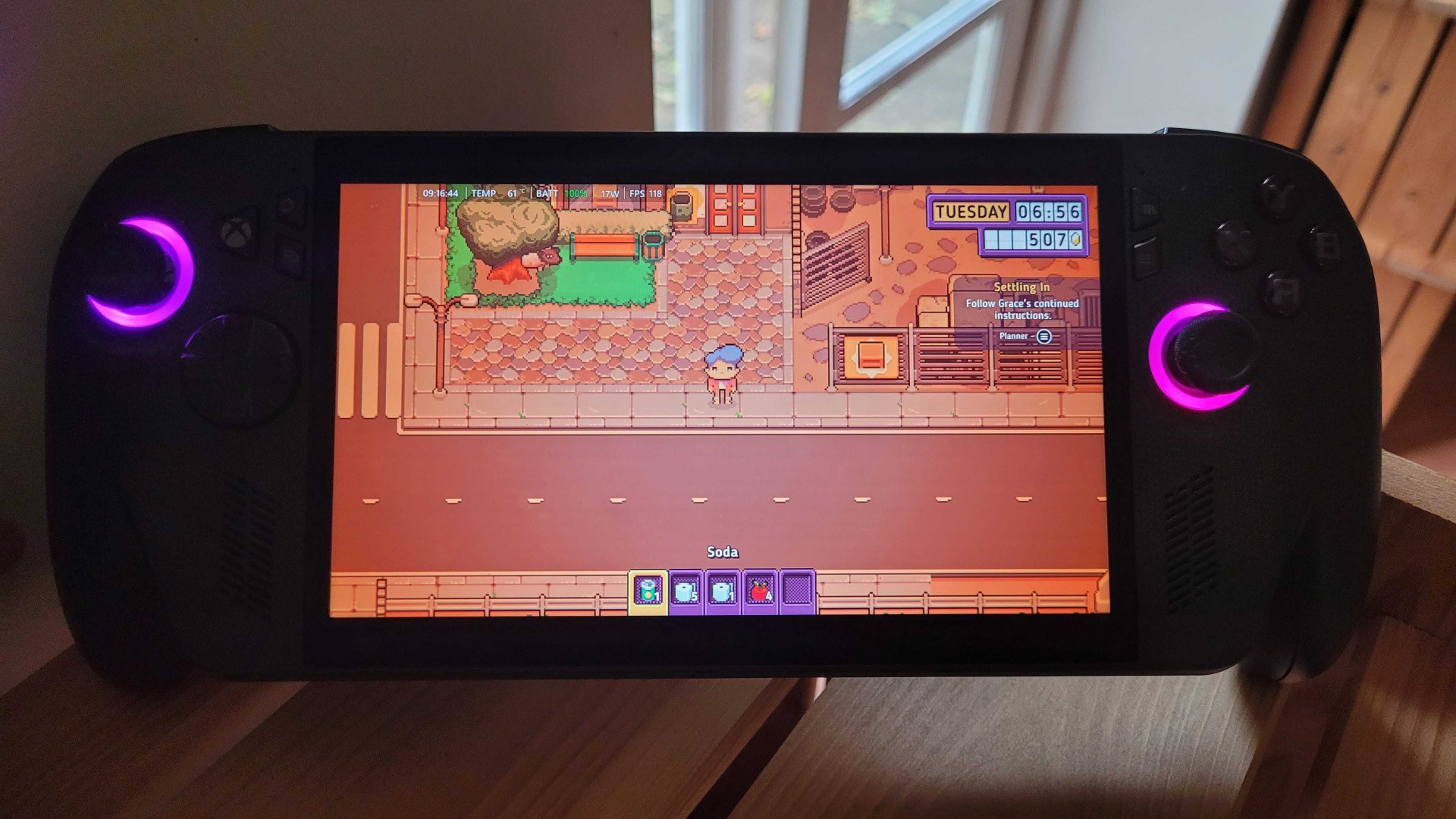
And finally, another test I want to share is for the "Silent" operating mode with an indie game. For this, I picked the recent release of Discounty (an awesome title by the way!), which generally tends to run at 120FPS on the ROG Xbox Ally X at its lowest power setting, although it sometimes dips to around the 100FPS mark.
You can't change the graphics in Discounty, so I just kept the resolution at 1080p and obviously dropped down to the 13w "Silent" mode. The default brightness for Silent mode is 60%, so I left that the same as well.
Here's the result:
| Operating Mode | Graphics | FPS | Brightness | AMD FSR | Res |
Battery Life |
|---|---|---|---|---|---|---|
| Silent (13w) |
Default |
100-120 | 60% |
N/A | 1080p |
4 hours 15 mins |
This time around, I was able to squeeze just over four hours out of the ROG Xbox Ally X before it gave up on me, and I think that's pretty good going! Keep in mind that you can manually go below the "Silent" 13w operating mode if you really want to, and you can also drop the brightness and resolution - there's scope for five, six or seven hours of battery life if you're really keen to make this system last on a charge.
Here's one more image for proof (the temperature generally settles around 45°C, but it was starting off at 60°C when the game first loaded up).
Based on these results, I think the average ROG Xbox Ally X owner is going to be getting around two hours out of the "Turbo" mode, somewhere around 2-3 hours out of the "Performance" mode, and maybe around four hours out of the "Silent" mode. There are obviously a lot of other variables that will affect how long your battery lasts though.
While two hours in "Turbo" mode might seem like a poor result to some, keep in mind that the Xbox Ally X is an extremely powerful handheld and requires a lot of juice - and as I say, I find that many games work perfectly well on the "Performance" setting anyway. That's my top tip for battery life - try and find the sweet spot with "Performance" mode.
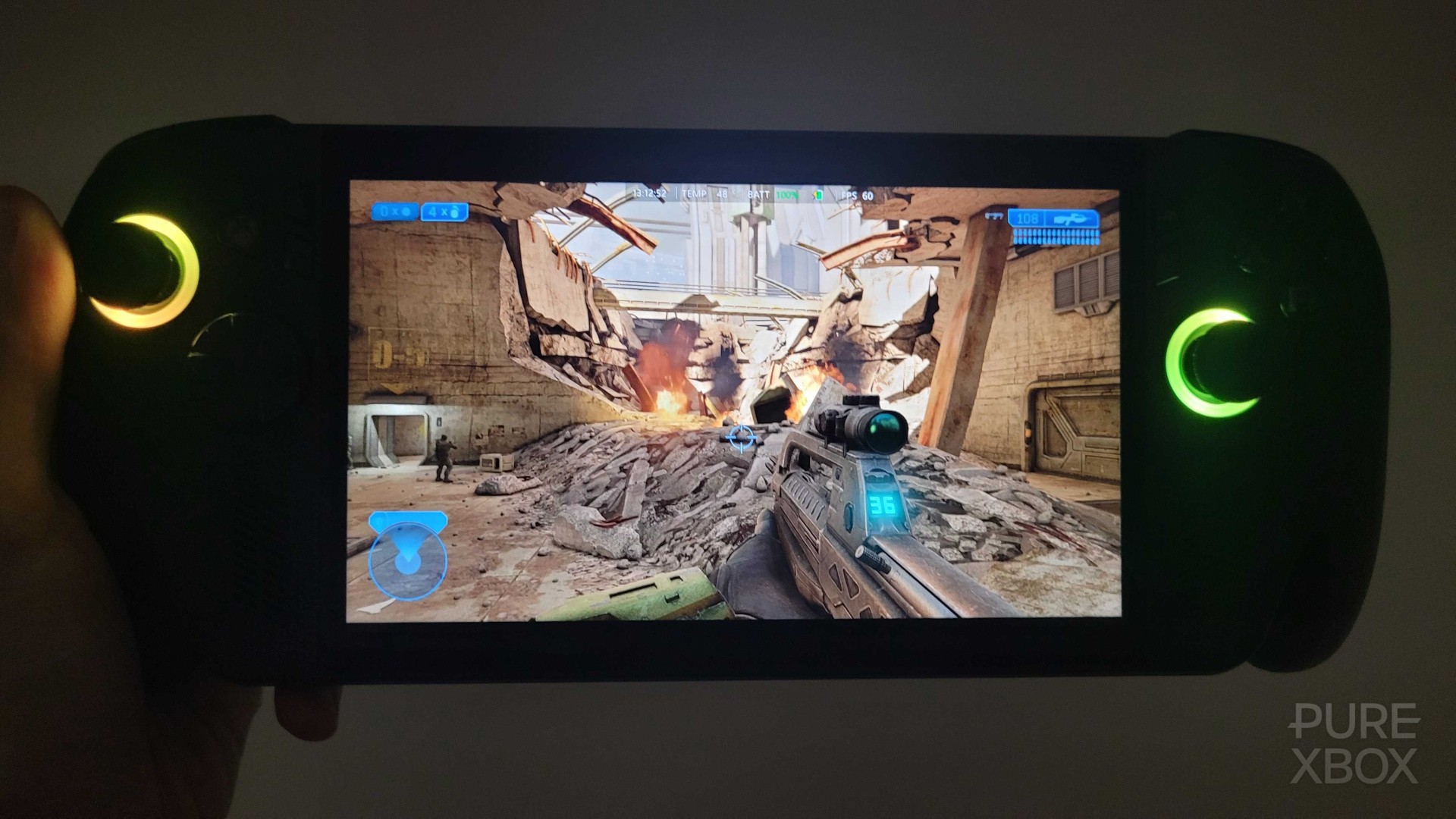
And, for those wondering, I haven't tested Xbox Cloud Gaming thoroughly yet as it disconnects you for inactivity after a while, but I think you're looking at way more than four hours on "Silent" mode - I was playing Halo: The Master Chief Collection for 20 minutes and the battery didn't even dip below 100% at all. I wouldn't recommend buying a ROG Xbox Ally X just for cloud gaming purposes (a phone will work equally well), but it's certainly going to be a great option if you want to squeeze out as much battery life as possible.