 by
by 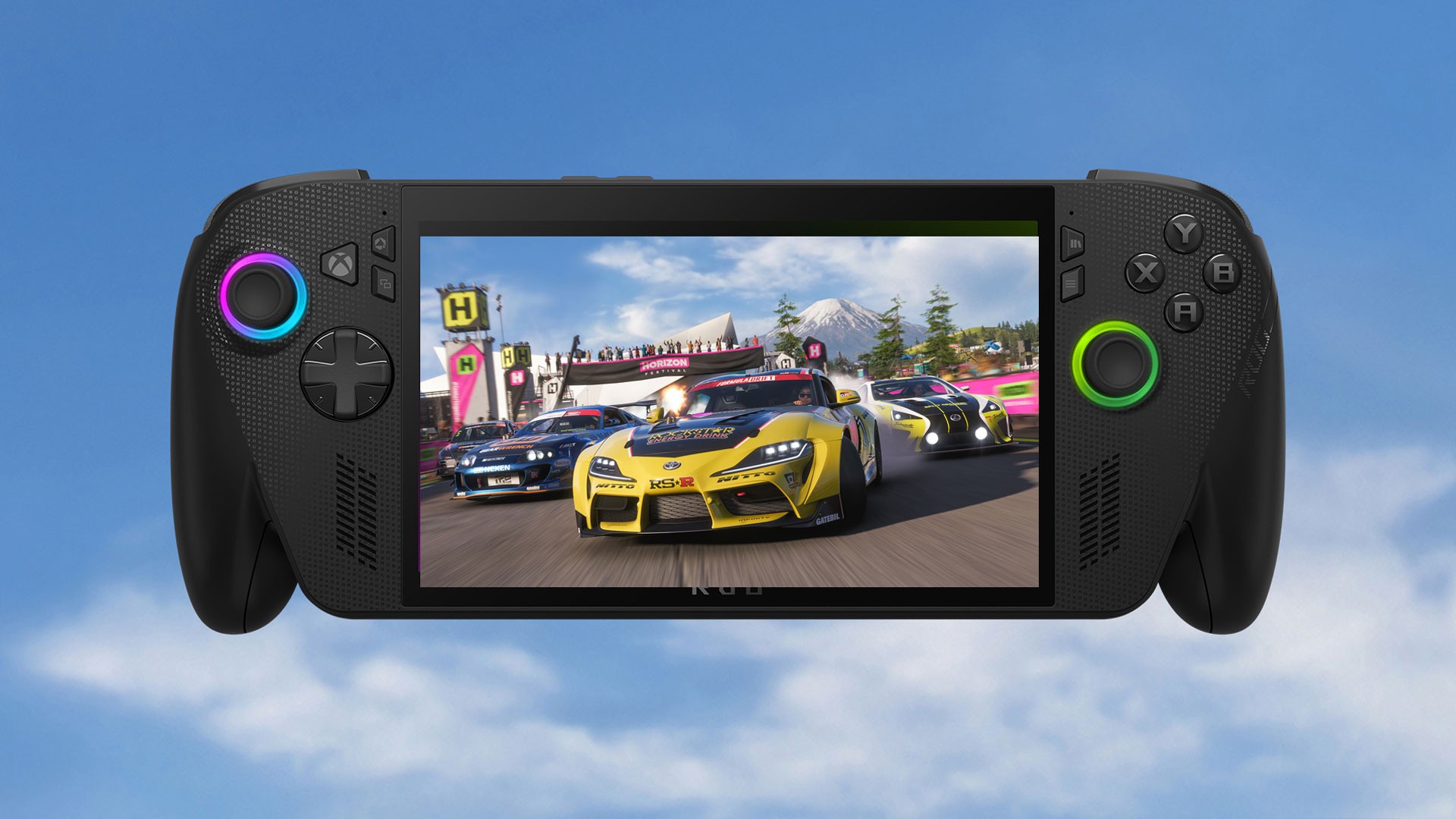
Today's a good day to be a ROG Xbox Ally owner! A massive set of new features are being rolled out for owners of the Xbox handheld, including the long-awaited arrival of Auto SR technology for Xbox Insiders with the Ally X.
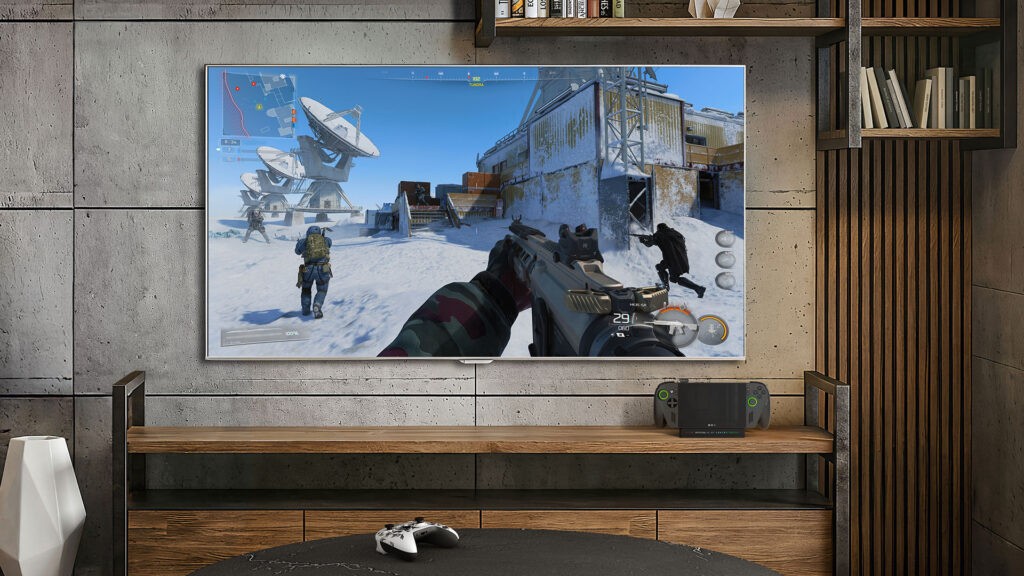
Let's start with docking. Until now, when docking a ROG Xbox Ally to a TV, it's required jumping through a few hoops to get everything set up correctly. Xbox wants a docked Ally to "look, feel, and play more like the Xbox console experience you know and love", and therefore the team has made quite a few updates in this area.
From now on, a docked Ally will default to the external display instead of doubling up (improvement #1), you can now access a gamepad mouse cursor via the Xbox Game Bar (improvement #2), a paired controller will now automatically shut off the controls on the Ally itself (improvement #3), you can now adjust display settings via the Xbox Game Bar such as resolution and refresh rate (improvement #4), and certain smart TVs from the likes of Samsung and LG will now automatically activate features like Auto Low Latency Mode for the Ally (improvement #5).
- Docked play defaults to the TV display
- Automatic gaming enhancements on smart TVs
- Display Widget in Game Bar
- Improved controller pairing for docked play
- Gamepad Cursor
"More than ever, a docked ROG Xbox Ally device will look, feel, and play more like the Xbox console experience you know and love."
The other major thing they're talking about here is Auto SR, which is a technology that allows you to get better frame rates on the Ally X (but not the cheaper Ally) when playing at high resolutions and high graphical settings.
Again, they're trialling this as part of the docked ROG Xbox Ally X experience at first, as they point out that larger screens and resolutions lead to "more noticeable" drops in image quality and FPS, and therefore docked mode is "where we expect players will see the most value".
There are examples of how it looks over on the official Microsoft Dev Blog website — we'll include one below.
"Now, let’s see some more examples! Forza Horizon 5 runs smoothly on the ROG Xbox Ally X’s internal screen, hitting 60 FPS at 1080p using “High” settings. Dock to a larger screen, Auto SR helps deliver higher visual detail by enabling the game’s “Ultra” settings with a 30% FPS boost over native 1440p at similar visual quality."
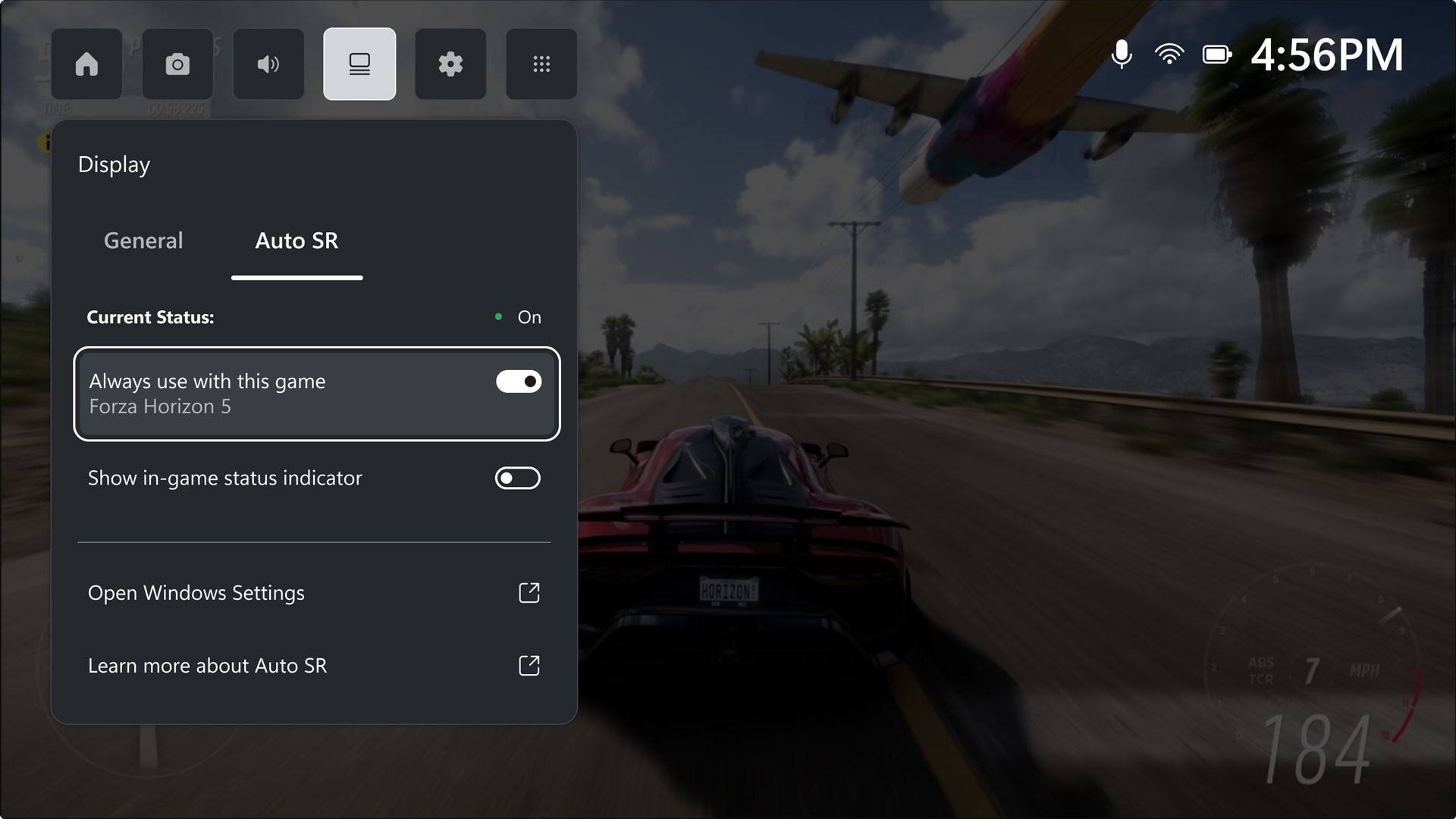
Auto SR will only be available to members of the Xbox Insider program for now, but it'll get a full public rollout at some point in the future. It's available to access via the Xbox Game Bar for Ally X owners who are eligible to test it out.
"For years, players have had to choose between visual quality and performance: turn up resolution and framerate drops or dial it back and the image suffers. When docked and connected to an external display, Auto SR changes that equation, delivering 1440p-like detail alongside smooth framerates on larger screens, where every pixel counts. As part of this preview, we’ve also added Game Bar integration, letting Xbox Insiders easily control when Auto SR is applied to their games."
Finally, Xbox is highlighting a few other new features for the ROG Xbox Ally today in the form of super wideband stereo voice fidelity for supported headsets, earbuds and hearing aids, enhanced vibration ("a fuller, more refined haptic experience that better matches what you expect across Xbox devices"), the ability to add games and apps manually (which we recently covered), and a few other things that you'll find over on the Xbox Wire website.
In fact, there's even more stuff that isn't highlighted over there — the full patch notes on the Xbox Support website mention stability and performance improvements for certain games, updates to fingerprint recognition, and more.
So, there you go! I'll try and share some impressions on Auto SR in the near future for Pure Xbox, and the good news is that the updates aren't ending here by any means, with Xbox teasing that "we can’t wait for you to see what’s ahead".