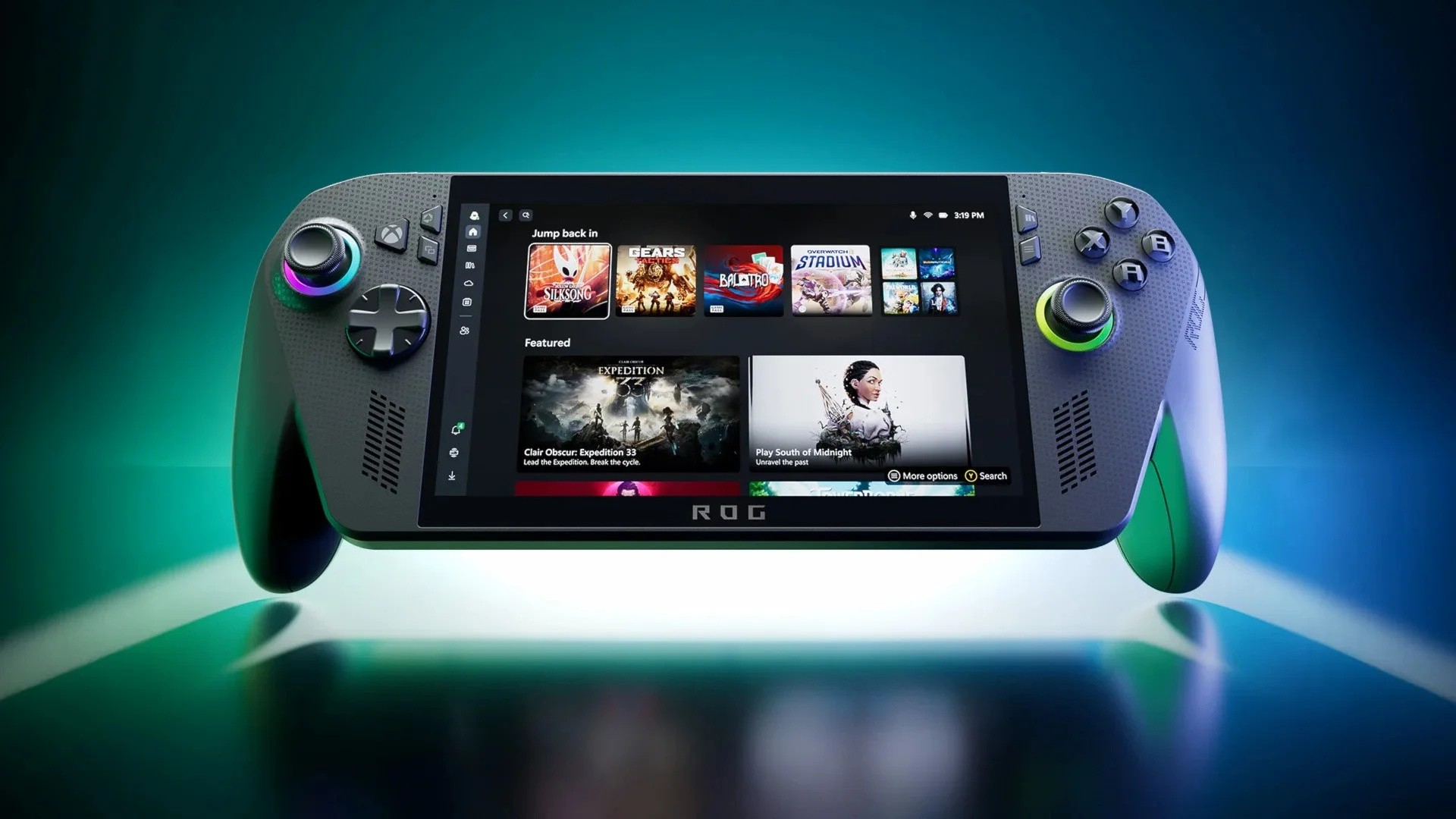
ROG Xbox Ally's Late March Update Adds New Quality-Of-Life Features

We've got an interesting new update for the Xbox app on the ROG Xbox Ally today! Multiple new features have been added to the Xbox full screen experience, and they'll make things a little more convenient for Xbox handheld users.

The first of these is a new "Display" tab that's accessible when pressing the Xbox guide button on the device (you might need to activate it from within the "Widgets" section first). This allows you to adjust the resolution and refresh rate from within the Xbox guide, rather than being forced to use ASUS's Armory Crate feature.

There's also a "Projection" tab for when you're docking the ROG Xbox Ally and want to decide whether to duplicate the display, extend it, or just show it on your external monitor. And, according to ROG Ally Life, this Display tab will soon include the highly-anticipated Auto Super Resolution feature that's arriving in preview form in April 2026.

Another new feature that's been added is the ability to change where your notifications are displayed while playing games. You can now pick between nine parts of the screen to display them, which is handy if they're getting in the way!

Of course, there's nothing too crazy in this update, but we're expecting the Auto Super Resolution rollout to prove very interesting whenever it arrives over the next few weeks. We'll be keeping an eye out and trying to test it ASAP.

It's also worth noting that this March update should affect everyone using the Xbox full screen experience UI for their handheld devices and even standard desktop PCs, so even if you don't own the Xbox Ally, it might prove useful to you.

How Are You Getting On With Your ROG Xbox Ally?

How are you getting on with your ROG Xbox Ally if you bought one? Tell us down in the comments below.

[source rogallylife.com]