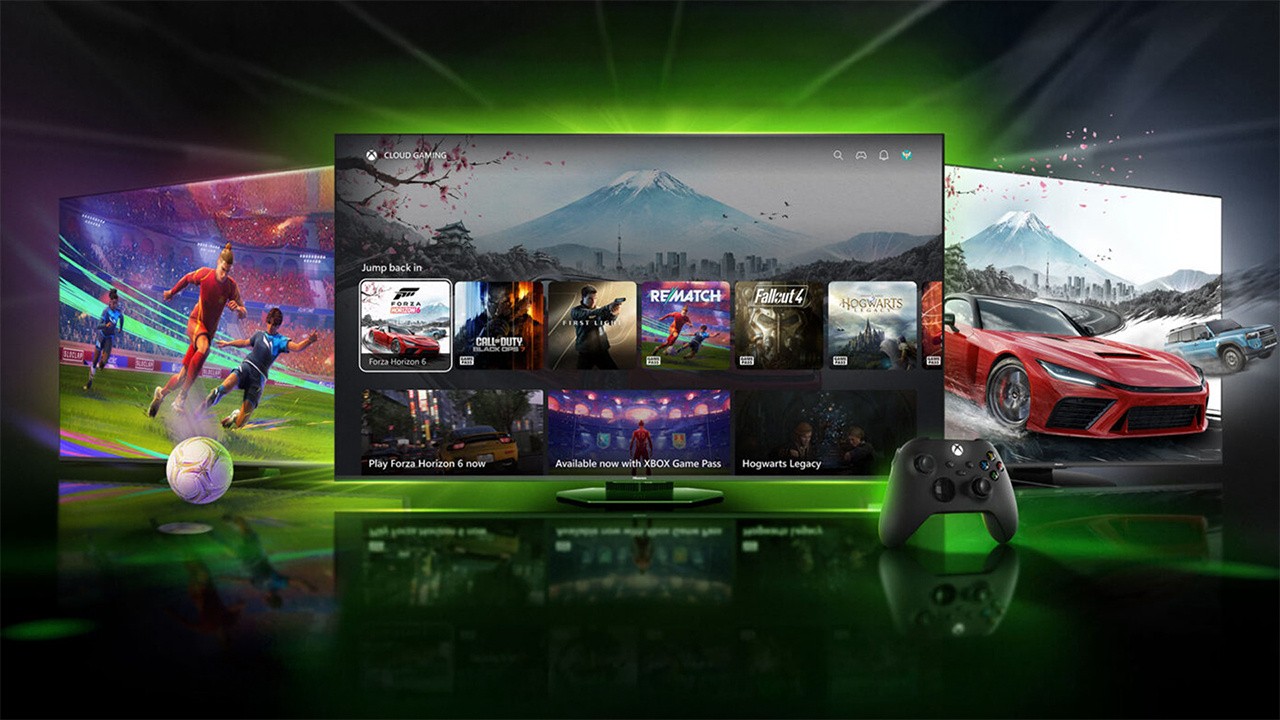
If you're in possession of a Hisense/VIDAA 2024-2026 model, you might want to keep an eye out for the Xbox app as support rolls out. Much like the previous partnerships with LG TVs, Xbox players will be able to crack on with the latest games through Xbox Cloud Gaming, of course provided they're subscribed to Xbox Game Pass.
"We’re rolling out the XBOX app to compatible VIDAA OS TVs over time, with availability expanding gradually as updates reach additional devices and regions."
There are a few things you'll need to consider, so we'll chuck the 'how and what' below, courtesy of Xbox Wire. But otherwise, simply head over to the Xbox app on your TV, connect your favoured Bluetooth controlly, and have fun!
How to Get Started
To start playing, you’ll need:
A VIDAA OS-powered Smart TV or supported Hisense TV running on VIDAA OS 9.6 or higher. For more information on compatible models, contact VIDAA support.
An XBOX Game Pass subscription – Ultimate, Premium, or Essential.
A supported Bluetooth enabled wireless controller, like the XBOX Wireless Controller.
A reliable high-speed internet connection.
How to Get the XBOX App on Your TV
To get started, make sure your TV is updated to VIDAA OS 9.6 and the XBOX app will appear on your Home Page. Here’s how:
1. Check your TV for a VIDAA OS 9.6 update (please note that the update may not be available on all supported TVs at launch). For more information, contact VIDAA support.
2. Once updated, access the XBOX app from the Home Page or “Games” section of the menu bar of your TV.
3. Sign into or create your XBOX account.
4. Connect a compatible Bluetooth-enabled wireless controller. Controllers like the XBOX Wireless Controller, XBOX Adaptive Controller, XBOX Elite Wireless Controller Series 2, PlayStation DualSense, or PlayStation DualShock 4 controller are all compatible.
5. Choose a game and start playing!
 by Craig Reid