 by
by 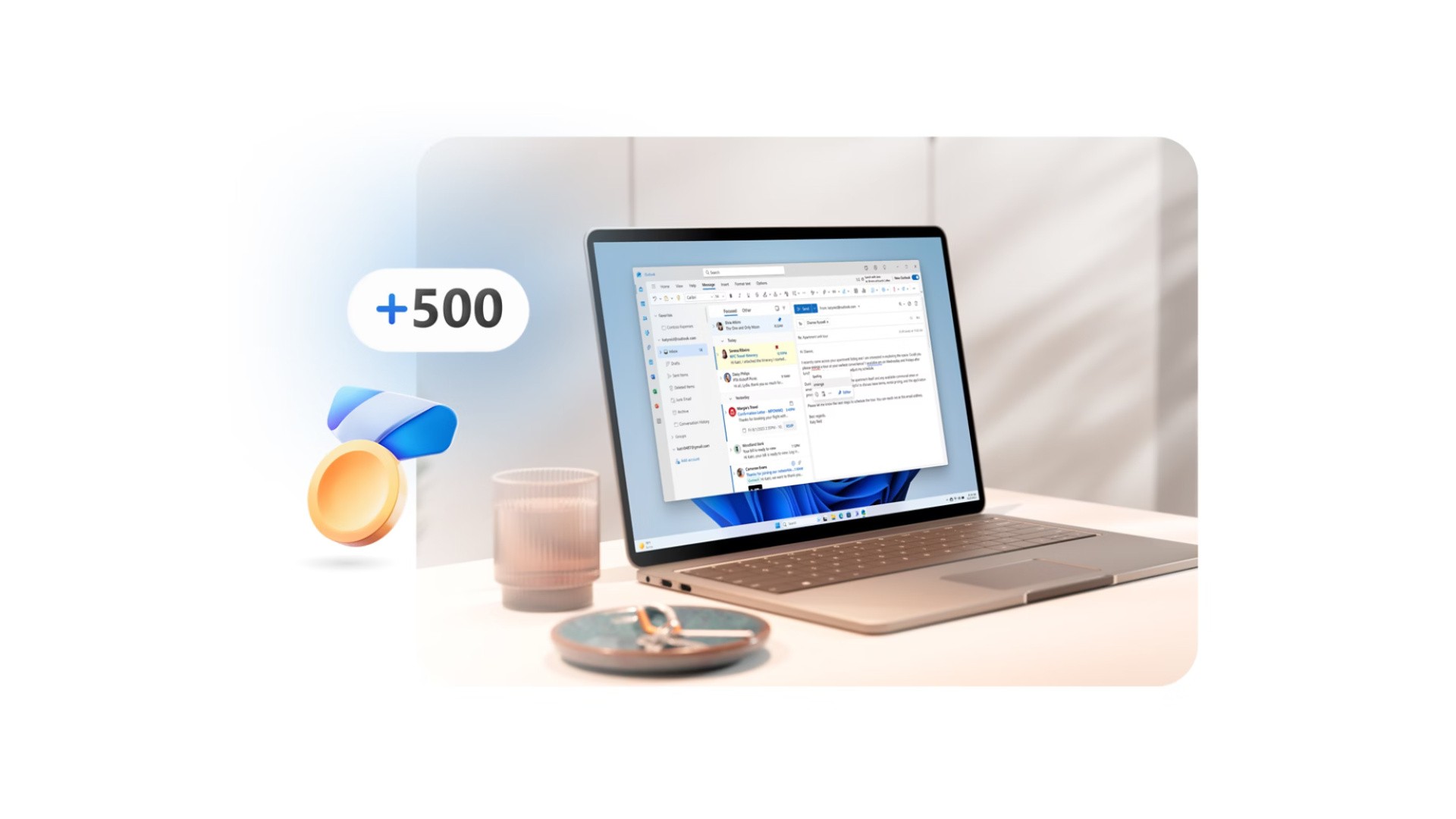
Fancy getting your hands on some really easy Microsoft Rewards points? Well, if you're located in the United States and you've got access to a Windows PC of some description, there's a simple way to top up your earnings.
Microsoft Rewards is running an "exclusive offer" between June 27th and July 27th where you can get 500 MS Rewards points for simply downloading the "Outlook for Windows" app and signing into your email account on there.
The steps are as follows:
- Set up the newest Outlook for Windows (for free)
Open Outlook for Windows from your taskbar or download it now. Sign in with your personal Microsoft account to start reading and sending emails in the latest version of Outlook.
- Claim your 500 Microsoft Rewards points later this month
You’ll receive an email from Microsoft Rewards about 20 days after the offer is completed. It will show you how to claim your 500 Rewards points on your dashboard.
And yeah, that's it! There's more information on the official Microsoft website if you want to read up on it, but everything seems simple at first glance. The small print does confirm it's only for US members though, and naturally it's only something you can do once per-account. Microsoft also says that once your 500 points are made available to redeem, you'll need to grab them before August 26th.
If you're a big fan of Microsoft Rewards like us, you should definitely check out our big guide to making 10,000 Microsoft Rewards points per-month across Xbox and PC! Stick with it, and you'll be buying all sorts of Xbox goodies for "free" over the next few months and years.