 by
by 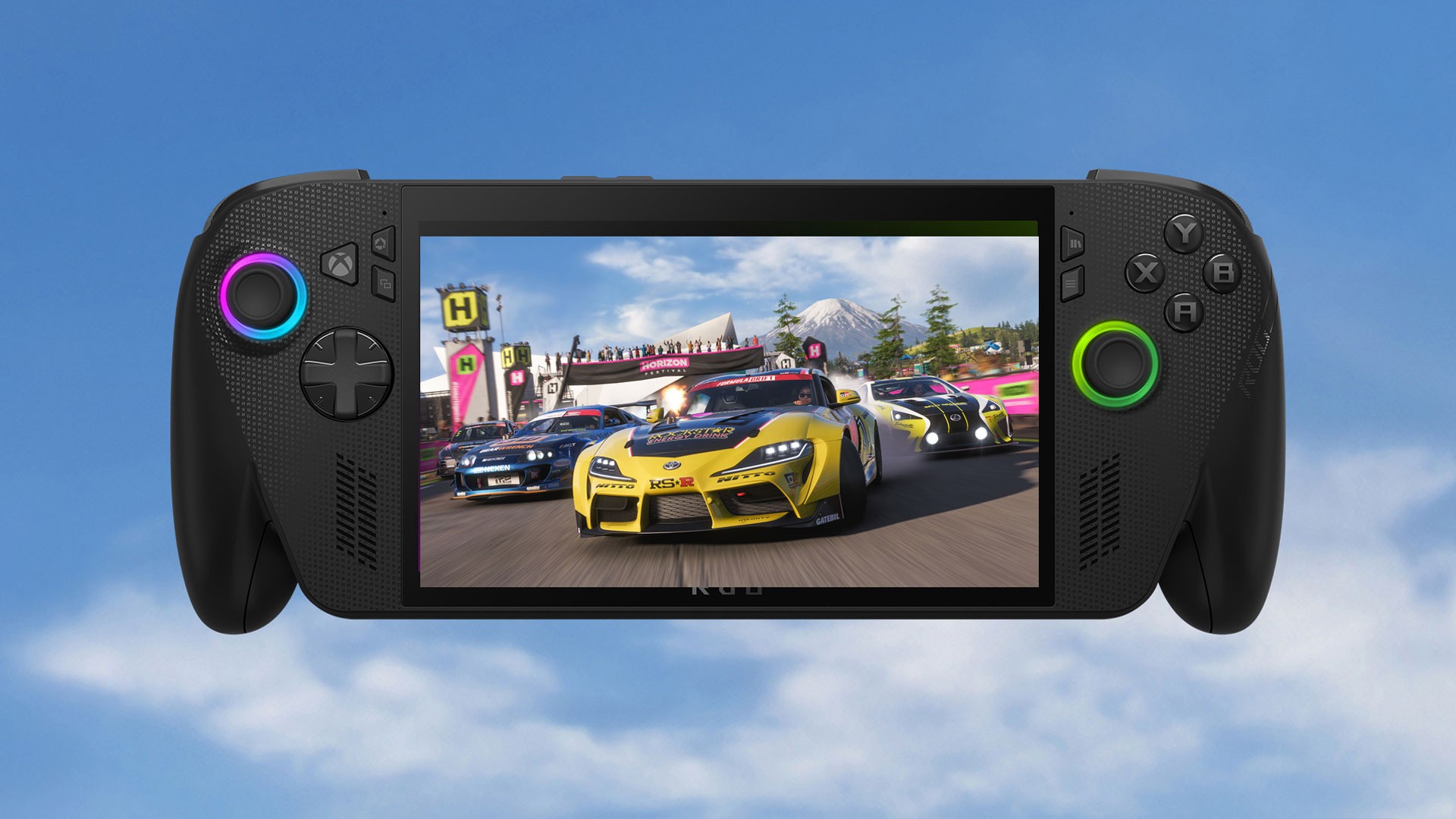
While Ben has been busy playing on his Xbox Series S for the official Pure Xbox review of Forza Horizon 6, I've also been playing the game on a mix of the Xbox Series X and the ROG Xbox Ally X, and it's been a great experience so far!
In fact, I've ended up using the Xbox Ally more than I'd expected for Forza Horizon 6, and even though the Xbox Series X is where I'd prefer to play it overall (simply for the best-quality visuals and improved loading times), it's a game that feels really well suited to the Ally X for multiple reasons.
So, here are four things I love about playing Forza Horizon 6 on the ROG Xbox Ally X:
1. It Looks And Feels Great By Default
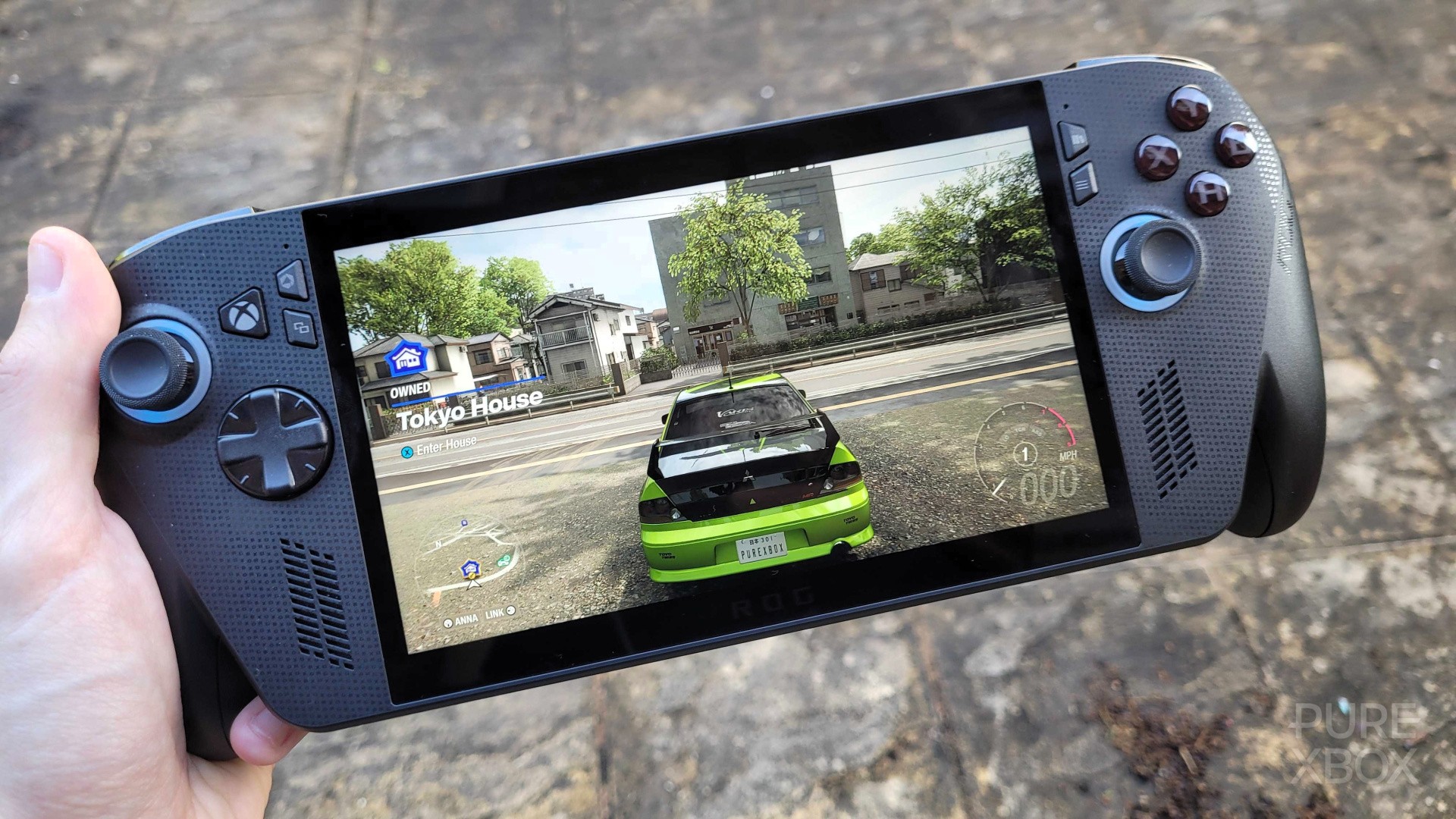
The official spec sheet for Forza Horizon 6 mentions how it should run at 1080p, 30FPS on the ROG Xbox Ally X, and we were also advised to the stick the game on "High" settings in terms of the visual preset. Without tinkering with anything else, it runs well — the visuals are fantastic, the frame rate is smooth on the "Turbo" Operating System (basically the max power you can get out of the Ally X when not plugged into a power source), and this is before I even had access to the Default Gaming Profile that's being applied to make FH6 run even more efficiently across the Xbox Ally and Ally X.
As for feel, there are no obvious downsides to playing Forza Horizon 6 on the Ally X versus an Xbox Series X. It controls just as well, the vibration is great, I still feel like I can be competitive in races, and perhaps the only negative is that I'd rather play at 60FPS — but as I'll highlight in the next section, there are ways to make that happen too.
2. There's A Lot Of Room For Customisation
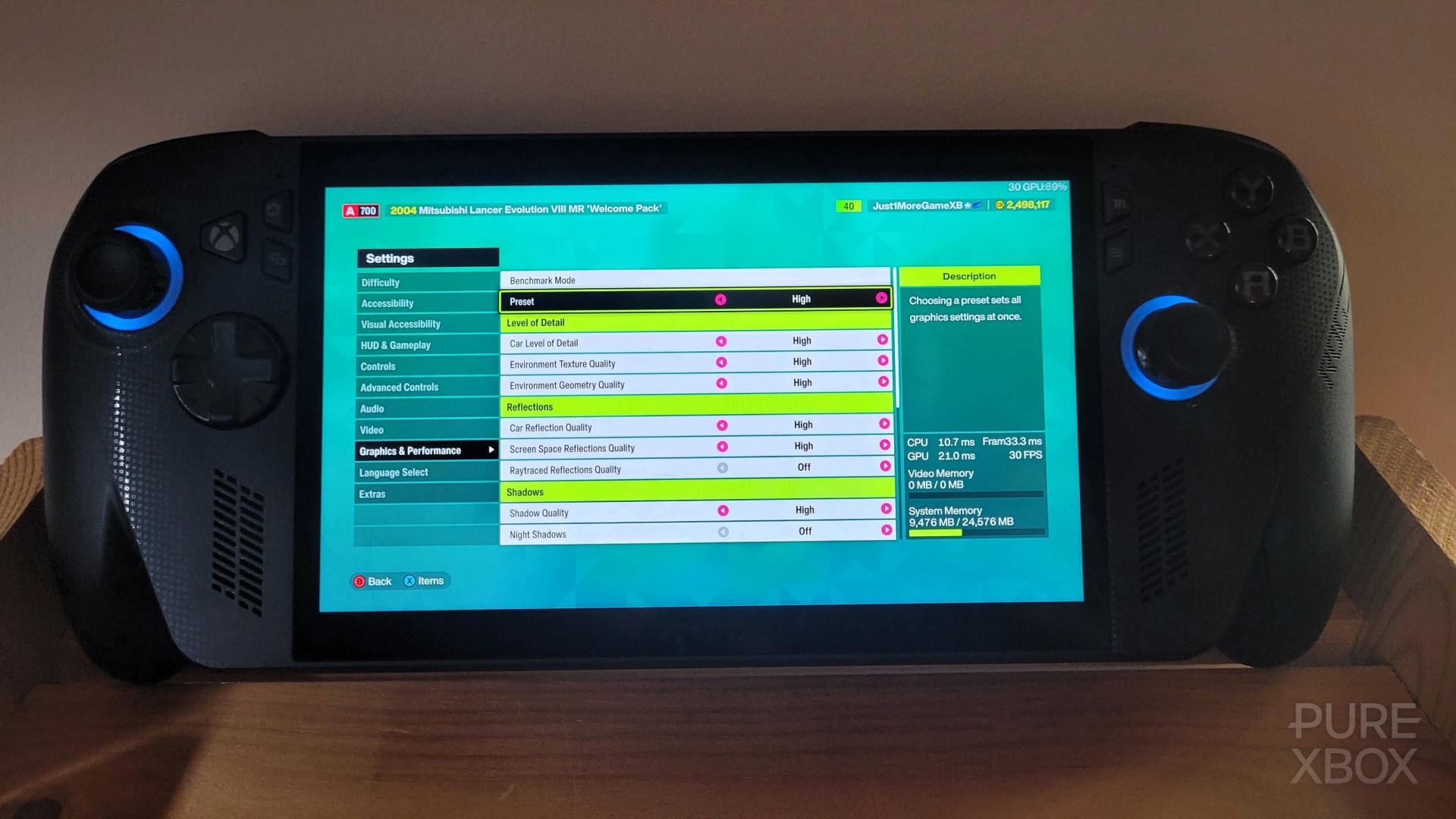
Honestly, as much as I appreciate the recommendation to play at 1080p, 30FPS on High settings, it's not my preference. At the moment, I'm rocking a 720p, 40FPS setup on Medium settings with the Operating System turned down to "Performance" rather than "Turbo". Not only do I get a few more frames this way, but the Ally doesn't have to work as hard (meaning more battery life and basically zero noise from the fans) and it still looks and feels fantastic.
The key takeaway here though is that you can customise to your heart's content. You can get 60FPS performance if you're willing to drop certain settings or mess around with upscalers (multiple of which are supported), or you can just try and find a happy medium that doesn't push your handheld to the limit. I personally feel like 40FPS is a sweet spot that feels fluid and stable while still allowing for impressive visuals.
3. FH6 Is Still A Fantastic Game Offline
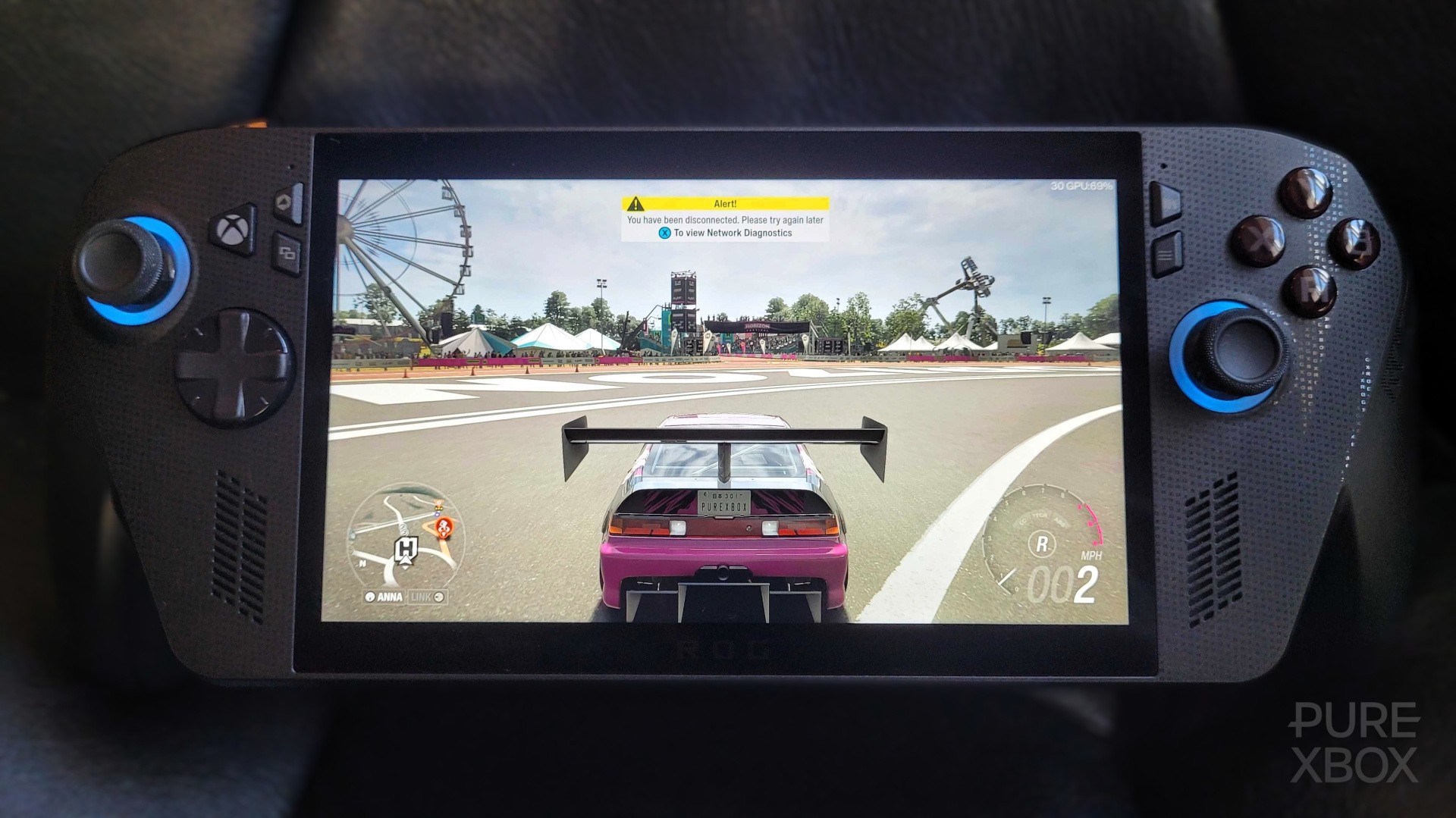
It's been a long time since I've actually played Forza Horizon offline. There's normally no need for it — my Xbox Series X is constantly connected, so I'm just used to everything I get with the online experience. However, when I went away with my ROG Xbox Ally X last weekend, I was pleased to discover that the offline version of Forza Horizon 6 is still a blast and there are no real restrictions (aside from the online-specific content, of course).
You can still play through the campaign, complete any races you want, do all the side-activities, smash all the bonus boards, buy new vehicles, make your own events, and so much more. I especially love that instead of online players, you run into Driveatars who are just casually exploring the map alongside you — I'd totally forgotten this was a thing! It goes a long way towards making FH6 still feel populated when you can't get access to a network.
4. Xbox Play Anywhere Makes All The Difference
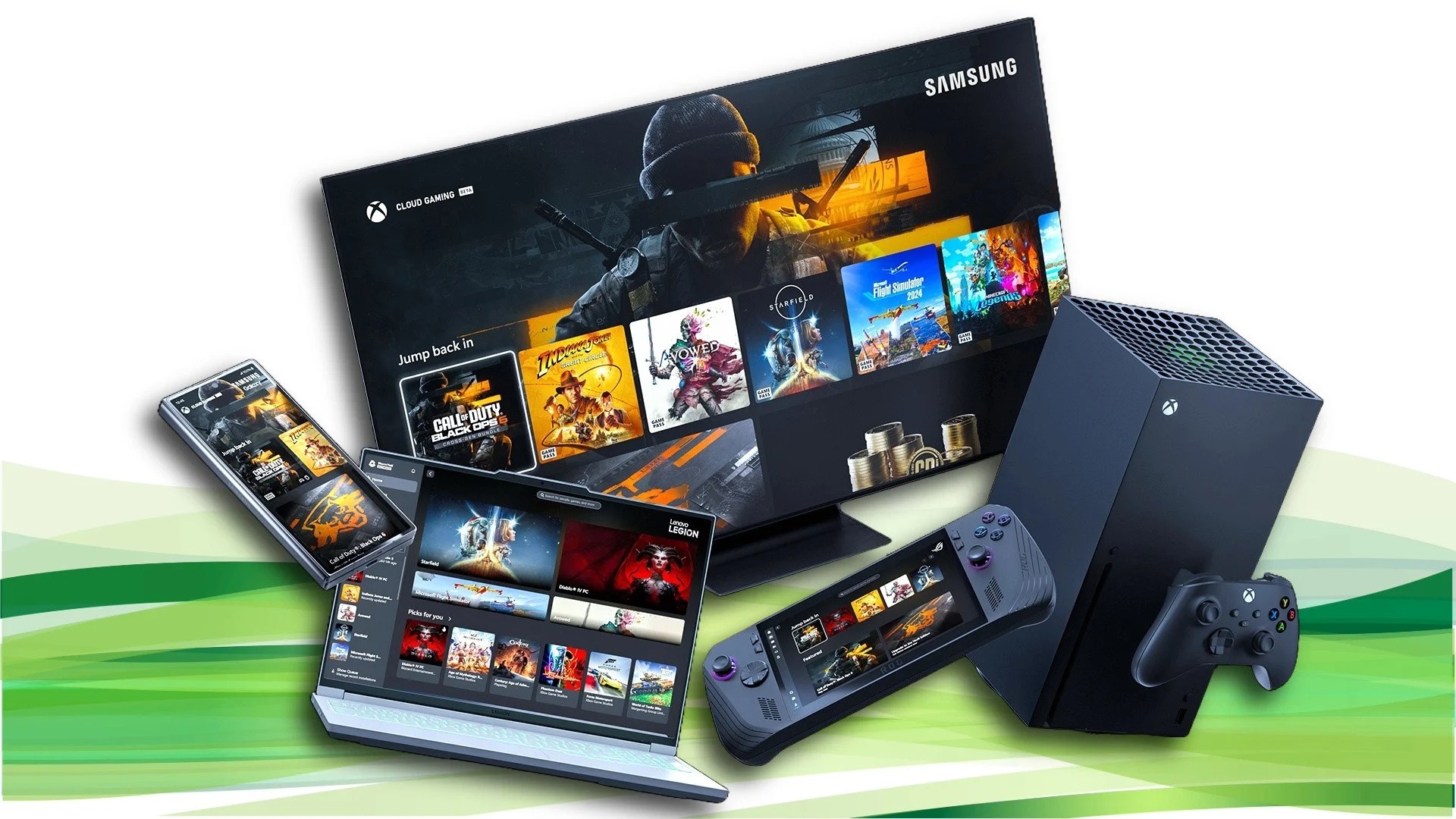
I assume that the vast majority of people playing Forza Horizon 6 on an Xbox Ally handheld will also be playing it on an Xbox Series X or S. This is where the beauty of Xbox Play Anywhere comes in — not only do you get a free PC copy with your purchase of the console version, but they connect so well to each other too. If you're always online, you can just jump between them seamlessly, with the cross-save functionality ensuring that your progress is always up to date regardless of which device you're using to play the game.
Whenever you want to play offline, simply load up the game on your Ally while you still have access to a network (meaning you can access the latest version of your save), then go offline, and you'll now be ready to play. In the future, whenever you next connect to the internet, the Ally will automatically upload your save to the cloud. I've been doing this a few times over the past week-or-so, and it's worked perfectly in every instance.