 by
by 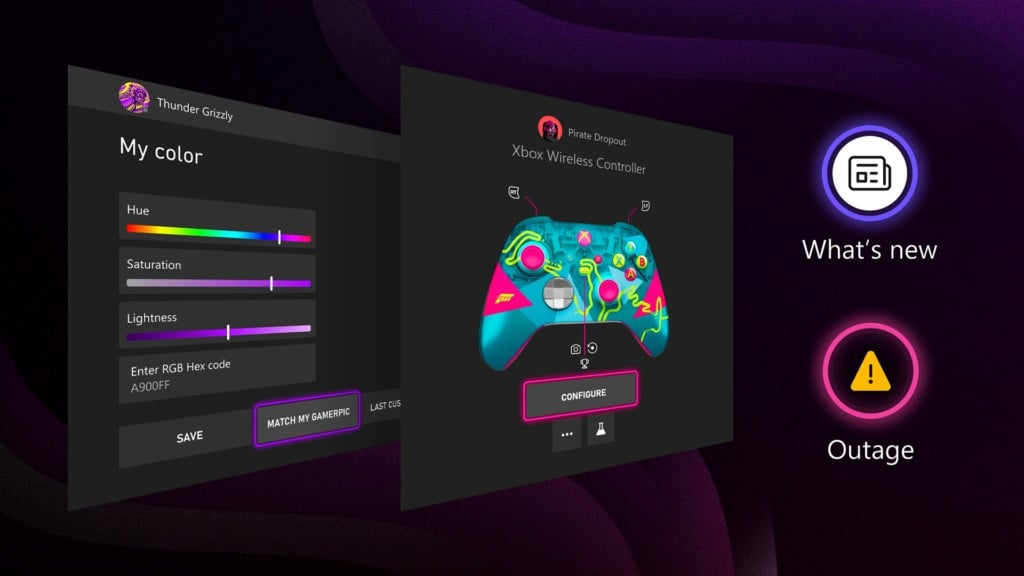
We've got another four new Xbox console features on the way!
It's been revealed that these four features are rolling out to select members of the Alpha and Alpha-Skip-Ahead rings in the Xbox Insider program today (May 29th), and they'll continue rolling out to more members over time before an eventual public release - most likely at some point in June or July.
There's nothing overly massive in here, but these are all nice quality-of-life additions. In particular, we're interested in the update release notes and Xbox service status indicators — the latter should provide much-improved transparency for console users about situations where the Xbox network has gone down for whatever reason.
Let's take a look at all four features, and you can let us know what you think of them in the comments.
1. New Colour Options For Customisation
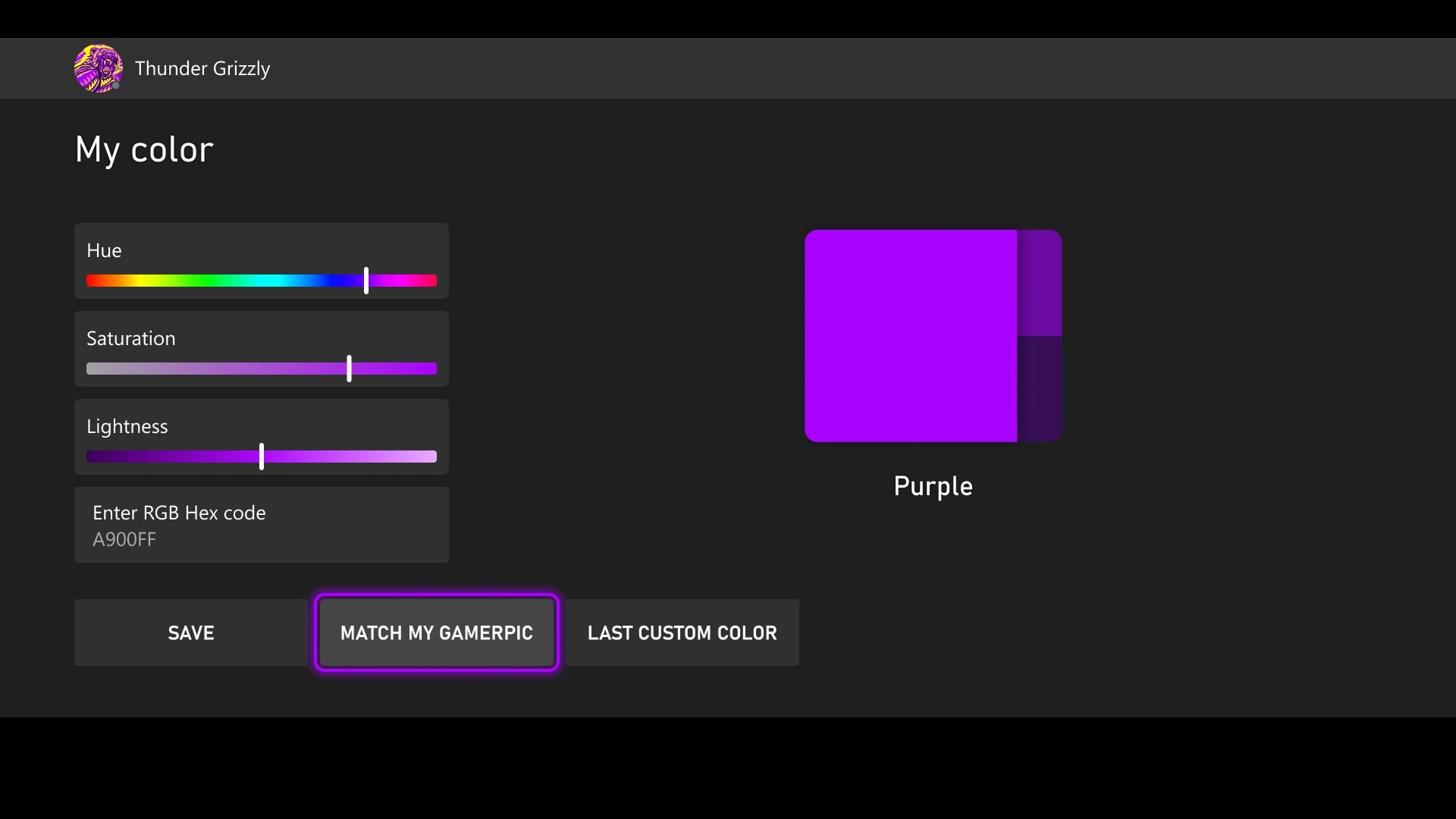
"Inspired by your feedback, we’re expanding how you can make your console truly yours. You’ll soon be able to enter a specific hex color code for precise color selection or use the new “match my gamerpic” option to pull a color directly from your gamerpic. Once you’ve picked your color, you can preview how it carries across your console, making it easier to see exactly how your look comes together before you set it."
2. Console Update Release Notes - New & Improved
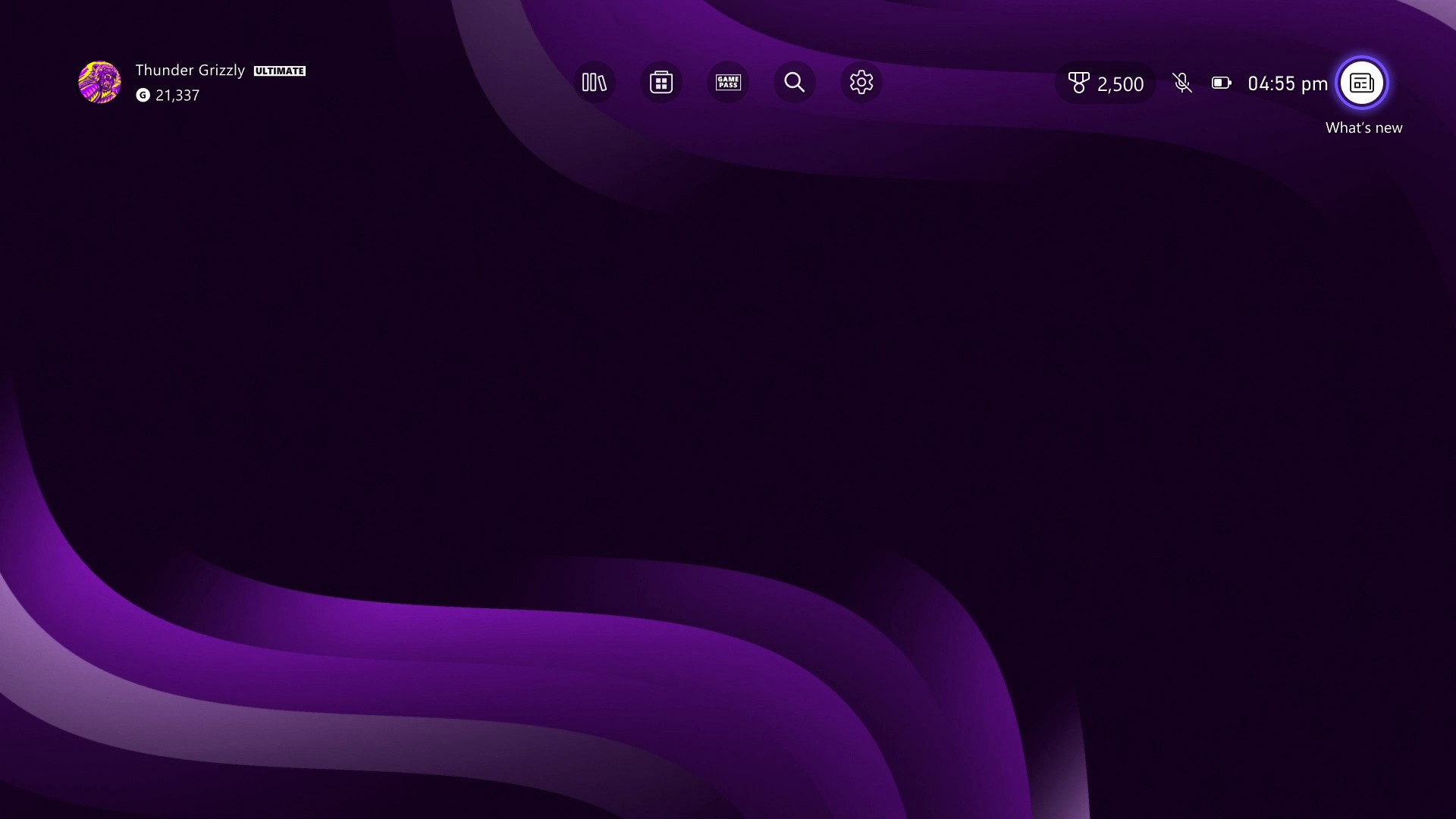
"After your console updates, you can now quickly access the latest release notes directly from Home’s top navigation to easily see what’s new and explore new features. We’ve also improved the release notes themselves, adding more details about new features, changes, and major bug fixes."
3. Xbox Accessories App Now Shows Your Controller
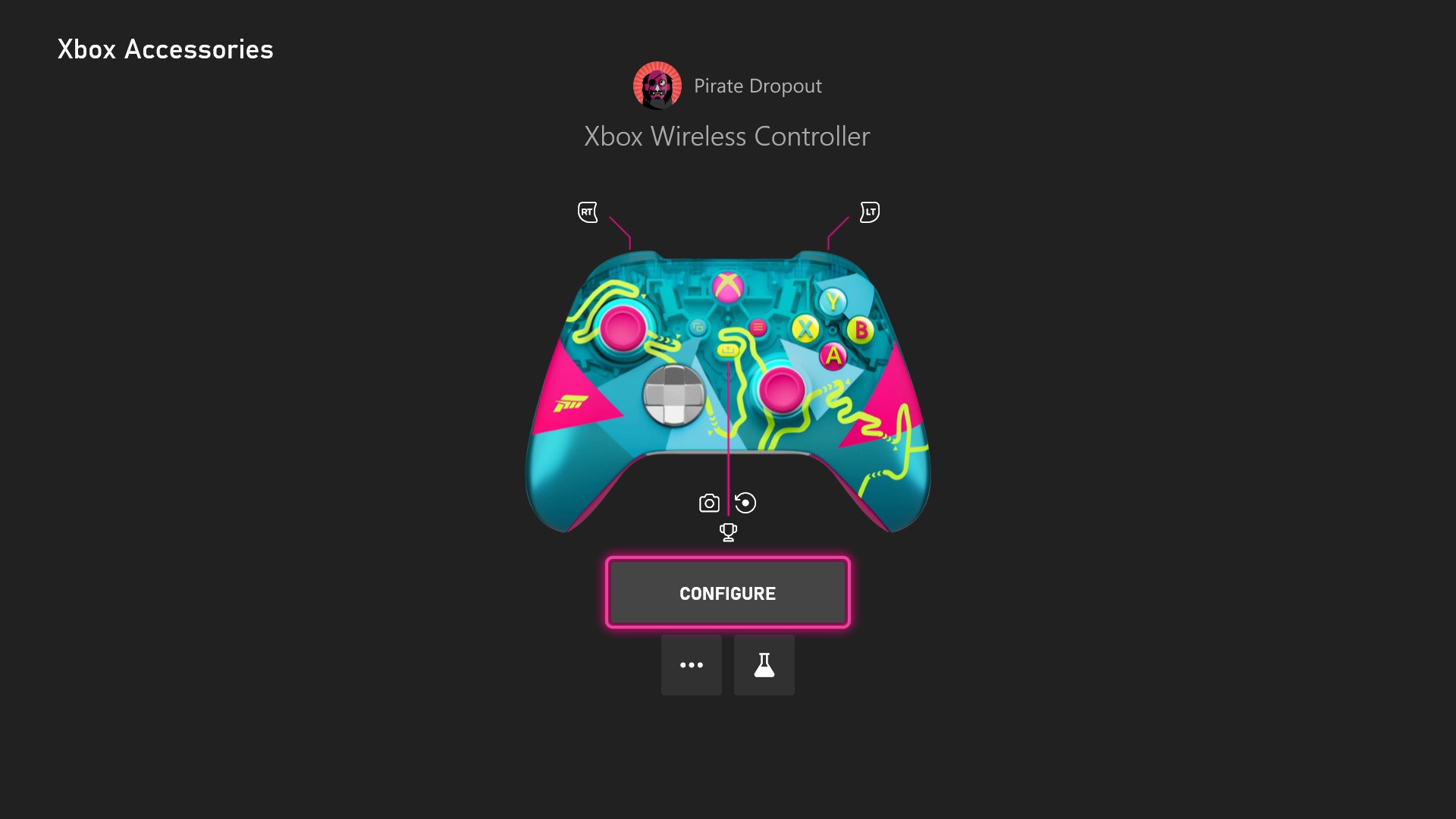
"Whether you’re using a supported standard or special edition XBOX Wireless Controller, or an XBOX Elite Wireless Controller Series 2, it’s easier to confirm you’ve got the right one selected, especially when you’re remapping buttons or adjusting settings to fine-tune your set up."
4. Indicator When Xbox Network Is Suffering An Issue
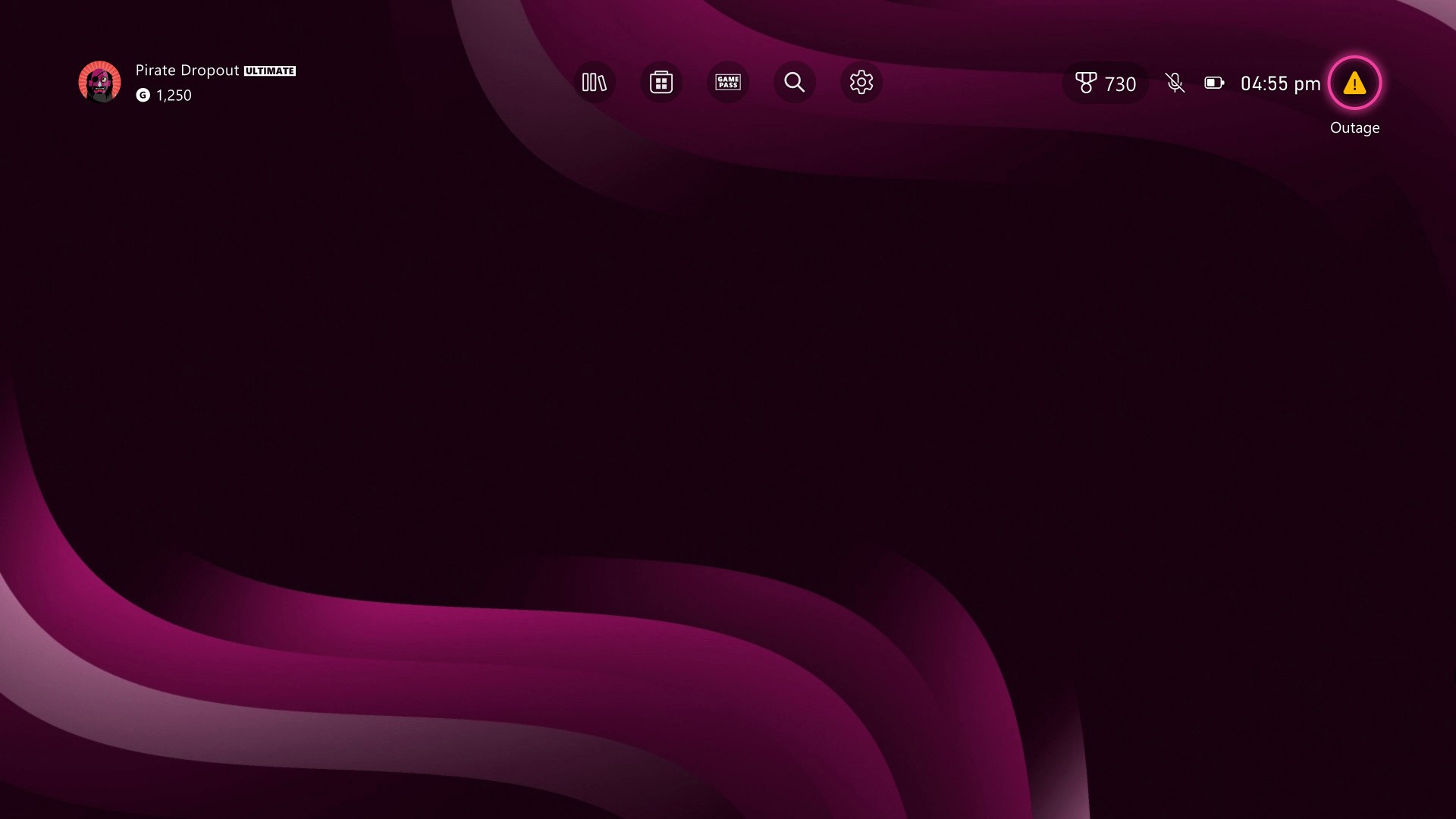
"When there’s a confirmed XBOX service issue, a new indicator will appear on the upper-right corner of the screen so you can quickly see what’s going on. From there, you can jump straight to a status page with the latest updates on what’s affected and when things are expected to be back up and running..."