by
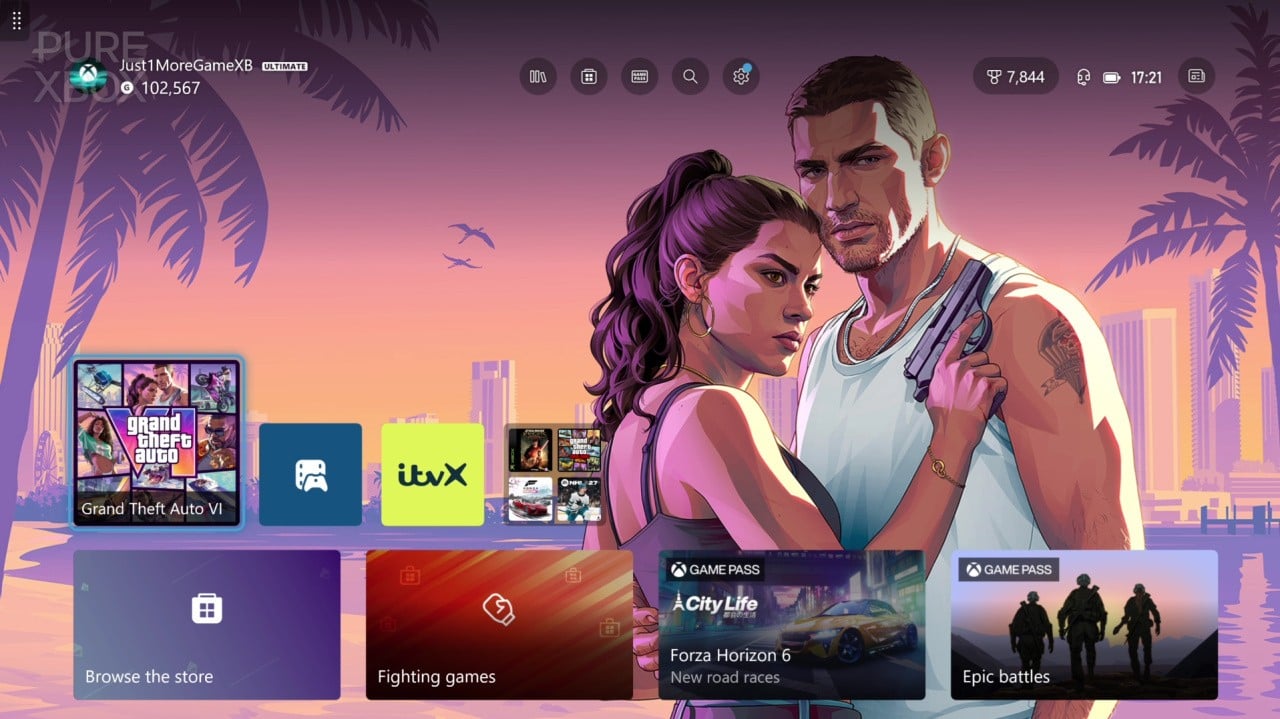
If you've turned on your Xbox console today and been presented with a background for GTA 6 without selecting it, there's a reason for that. Xbox is promoting the game by making a default "event" background for certain people.
You can let it sit there and do its thing if you want (although unfortunately it's not dynamic), or you can turn it off by going to Settings, Personalisation, My Background and then unticking the "show event-themed backgrounds" box.
Here's another look at it:
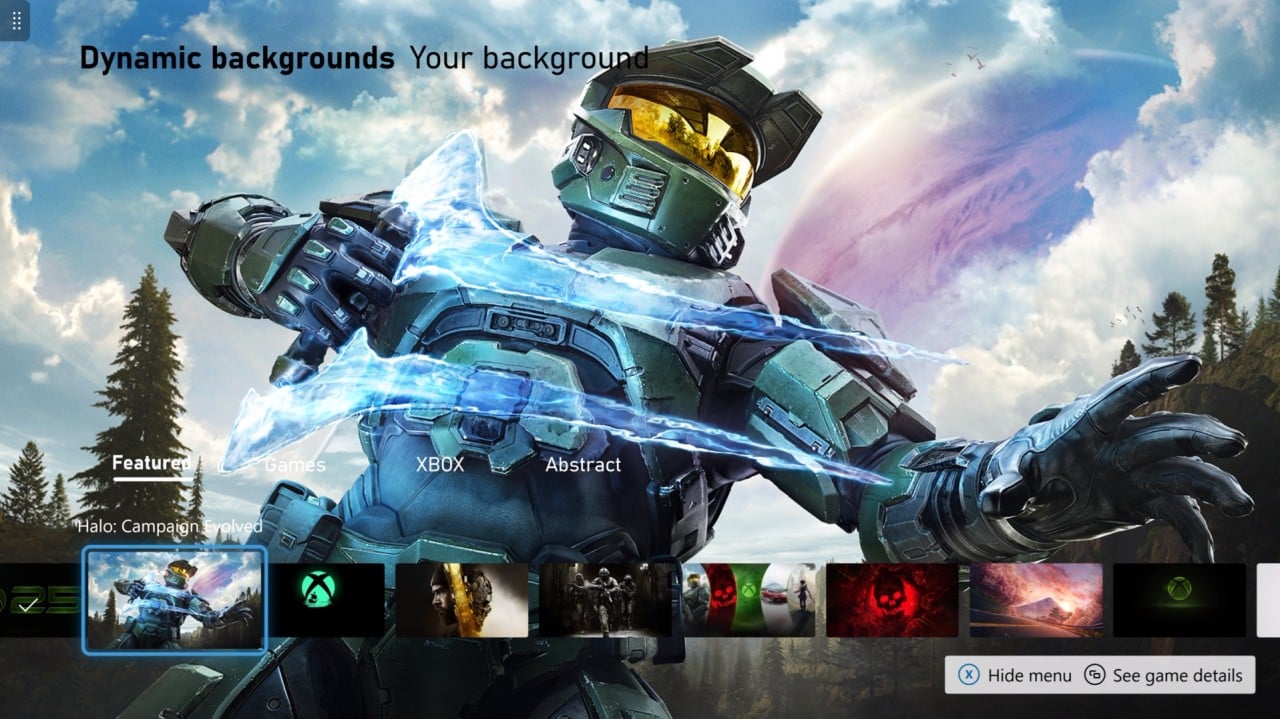
In addition to this, Xbox has added a brand-new dynamic background for Halo: Campaign Evolved today, and it actually looks really, really cool. I might be rocking this background for a while to be honest!
Those who haven't been keeping track might also notice an Xbox 25 dynamic background that serves to celebrate Xbox's 25th anniversary. You'll find all of these by going to Settings, Personalisation, My Background and then browsing through the Dynamic Backgrounds that are on offer.
We'll leave you with a look at the Halo: Campaign Evolved background down below.